Step 1
Open Remove My Info
Use the privacy link in the BackgroundAlert footer.
Open BackgroundAlert, scroll to the footer, and choose Remove My Info.
Confirm that you are in the opt-out flow before entering personal information.
.png&w=640&q=75)
Identity protection starts here
BackgroundAlert may publish personal details that make you easier to find. Follow the manual removal guide below, or use ZeroPrivacy to scan data brokers and monitor for records that return.
 +1
+1Disclaimer: You agree not to use any aspect of the ZeroPrivacy Services for FCRA purposes.
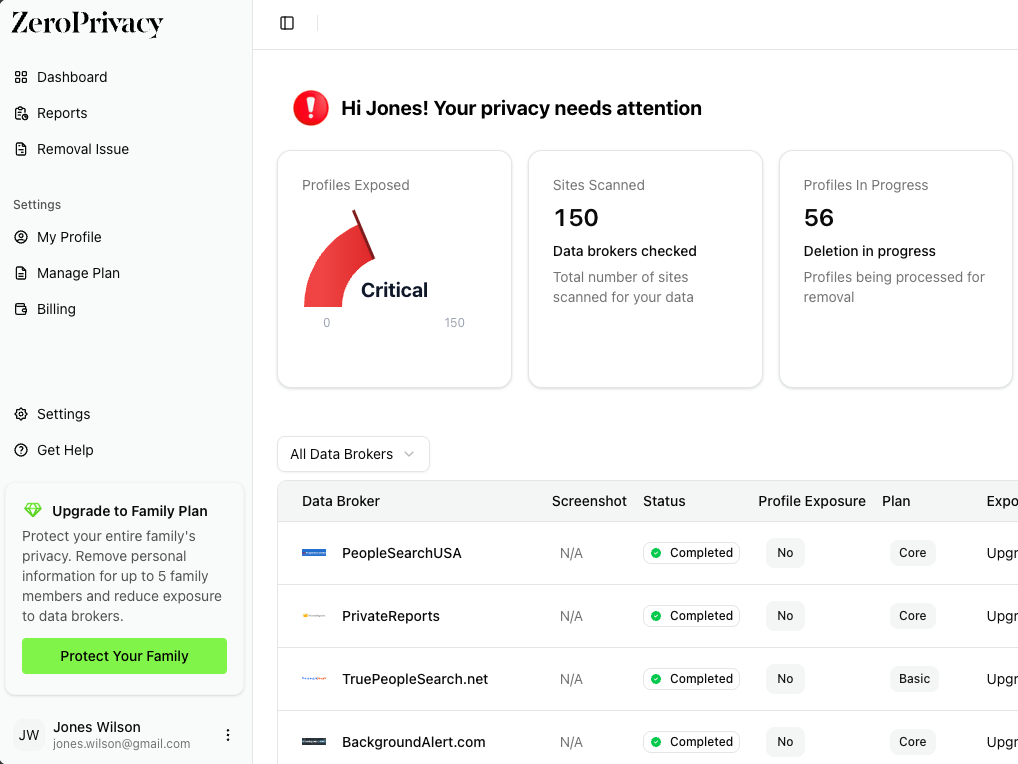
Step-by-step privacy guide
BackgroundAlert begins with a name-and-state search. Once you identify the right result, choose That’s me, enter a confirmation email, finish the identity check offered by the site, and retain the case number.
Step 1
Use the privacy link in the BackgroundAlert footer.
Open BackgroundAlert, scroll to the footer, and choose Remove My Info.
Confirm that you are in the opt-out flow before entering personal information.
Step 2
Use a state connected to the record you want removed.
Enter your first name, last name, and state, then choose Search.
Repeat with a former state only if the current-state search does not find your listing.
Step 3
Compare locations, age, and relatives before selecting the result.
Open the matching result and verify several identifiers.
Choose That’s me only when you are confident that the profile belongs to you.
Step 4
Use an inbox that can remain active through processing.
Enter the email address and choose Next.
Check the spelling before continuing because the final link may be sent there.
Step 5
Follow the method shown for the selected record.
Choose an available verification method and complete only the required fields.
Review the request before submitting and avoid adding unrelated personal details.
Step 6
The case number is the cleanest way to follow up.
Copy the case number from the final screen and save it with the email and date.
Open any confirmation link sent to your inbox.
Step 7
Use the original name and state to confirm the result.
Run the same search in a private browser window after the stated processing period.
If the listing remains, contact BackgroundAlert and include the saved case number.
Yes. The manual removal route described here is free. You should not need to buy a report or membership to submit a BackgroundAlert opt-out request.
Use a separate inbox or alias when the form accepts one, but keep it active until the request is complete. Some brokers require a working email because the confirmation link is the final step.
Treat each distinct profile as a separate record unless the removal page says otherwise. Save every profile URL and submit a request for each listing that clearly belongs to you.
Yes. People-search sites refresh their databases from public records and commercial sources. Keep the confirmation message and check the site again after several weeks.
No. An opt-out limits display on the broker’s site. It does not erase court, property, licensing, or other records held by the original public agency.