Step 1
Search for your current listing
Confirm the spelling and middle name used by the record.
Search your name and compare the visible locations and contact details.
Write down the first, middle, and last name exactly as displayed.
.png&w=640&q=75)
Identity protection starts here
CyberBackgroundChecks may publish personal details that make you easier to find. Follow the manual removal guide below, or use ZeroPrivacy to scan data brokers and monitor for records that return.
 +1
+1Disclaimer: You agree not to use any aspect of the ZeroPrivacy Services for FCRA purposes.
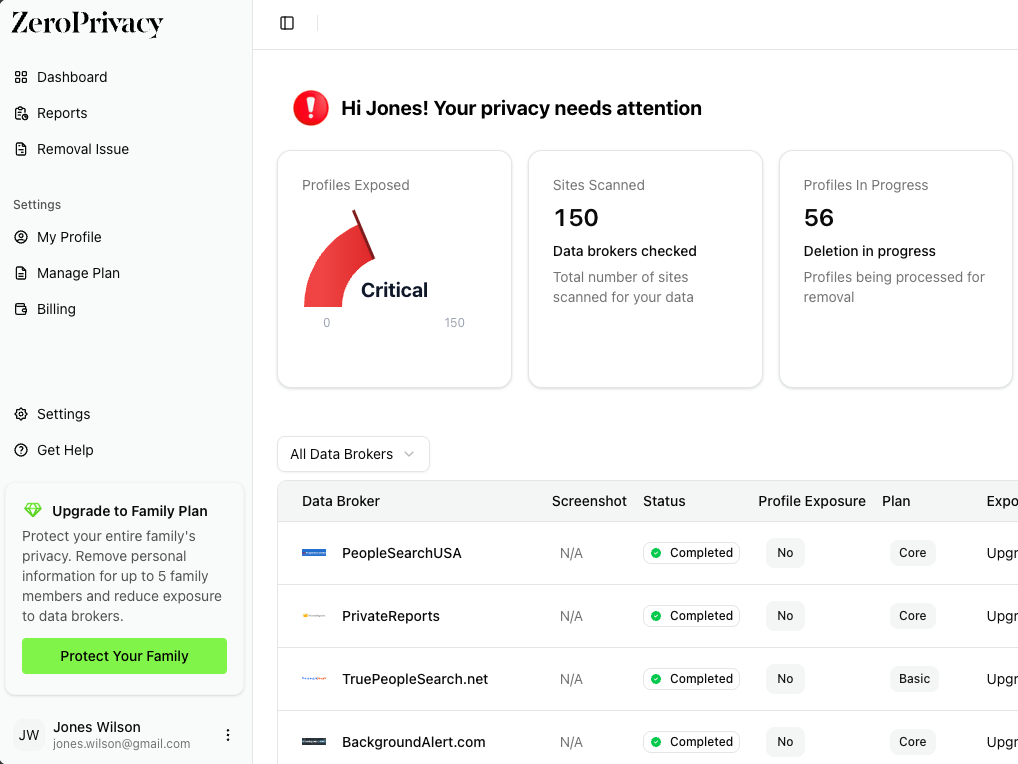
Step-by-step privacy guide
CyberBackgroundChecks accepts a direct removal request using your name and email. Submit the form, complete its authorization and CAPTCHA, then finish any instructions sent to your inbox.
Step 1
Confirm the spelling and middle name used by the record.
Search your name and compare the visible locations and contact details.
Write down the first, middle, and last name exactly as displayed.
Step 2
Use CyberBackgroundChecks’ direct request page.
Open the removal page and confirm that it asks for name and email.
Do not enter information into a sponsored background-report checkout.
Step 3
Match the name format used on the listing.
Enter first, middle, and last name where applicable, followed by an accessible email.
Review the spelling before continuing.
Step 4
The form requires both controls before it can send the request.
Select the statement confirming that you are requesting removal for yourself or are authorized.
Complete the CAPTCHA and choose Send Request.
Step 5
Check spam as well as the main inbox.
Open the message from CyberBackgroundChecks and complete any confirmation link it contains.
Keep the message with the name and submission date.
Step 6
Verify the listing and common name variations.
Repeat the original search in a private window after processing.
If another profile under a middle-name variation appears, submit a separate request for it.
Yes. The manual removal route described here is free. You should not need to buy a report or membership to submit a CyberBackgroundChecks opt-out request.
Use a separate inbox or alias when the form accepts one, but keep it active until the request is complete. Some brokers require a working email because the confirmation link is the final step.
Treat each distinct profile as a separate record unless the removal page says otherwise. Save every profile URL and submit a request for each listing that clearly belongs to you.
Yes. People-search sites refresh their databases from public records and commercial sources. Keep the confirmation message and check the site again after several weeks.
No. An opt-out limits display on the broker’s site. It does not erase court, property, licensing, or other records held by the original public agency.